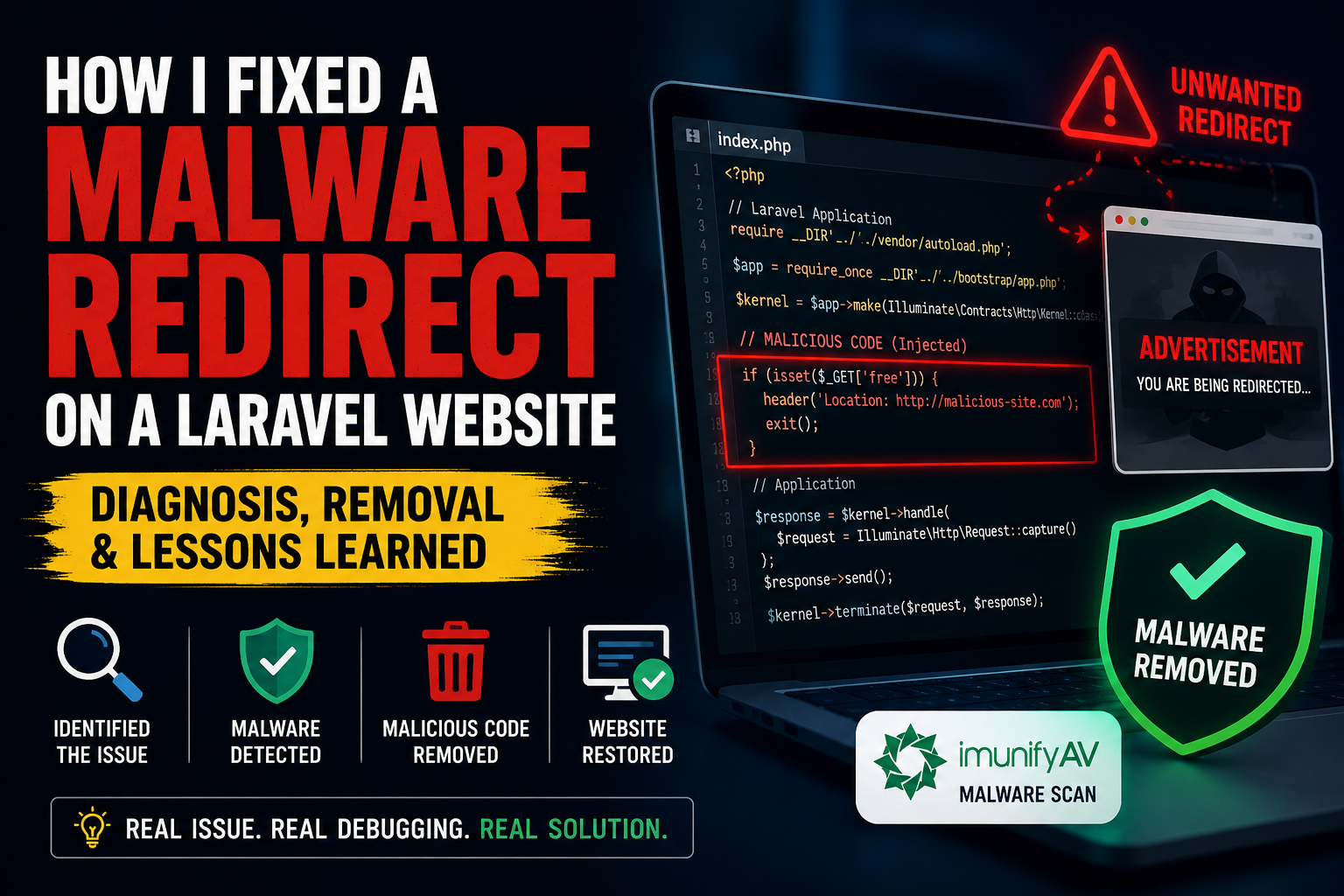
How I Diagnosed and Fixed a Malware Redirect Issue on a Laravel Website
Recently, I encountered a challenging issue on one of my Laravel-based production websites. Users were occasionally being redirected to unwanted external advertisement pages when visiting the website for the first time...
Recently, I encountered a challenging issue on one of my Laravel-based production websites. Users were occasionally being redirected to unwanted external advertisement pages when visiting the website for the first time. After refreshing the page, the website would load normally.
At first glance, the issue was difficult to identify because:
- The Laravel application itself appeared to be working properly
- There were no obvious errors in the frontend
- Server performance and database operations were normal
- The redirect happened only intermittently
## Initial Investigation
I started by checking:
- Laravel logs
- LiteSpeed/OpenLiteSpeed logs
- Browser network requests
- .htaccess configurations
- Middleware and Blade templates
The server logs showed normal PHP worker restarts and no direct indication of malicious activity. This suggested the issue might be caused by injected code rather than server configuration.
## Security Scanning
To investigate further, I used the built-in malware scanning tools available in the hosting control panel environment. The malware scanner detected suspicious injected code inside the application's public entry file.
The malicious code was:
- Obfuscated
- Designed to conditionally redirect visitors
- Triggered mainly on initial visits
- Likely targeting specific devices or user agents
This type of attack is common in compromised web applications where attackers inject hidden redirect scripts into core entry files.
## Resolution Process
After identifying the infected code, I:
1. Carefully reviewed the affected file
2. Removed the malicious injected script
3. Cleared Laravel and server caches
4. Verified application integrity
5. Re-scanned the website for additional threats
6. Tested the website across multiple devices and browsers
Once the malicious code was removed, the redirect issue was completely resolved.
## Key Takeaways
This experience reinforced several important security practices for Laravel and PHP applications:
- Regular malware scanning is essential
- Always monitor unexpected redirects carefully
- Keep server software and dependencies updated
- Periodically audit public entry files
- Use strong server-side security configurations
- Monitor recently modified files on production servers
## Final Thoughts
Security issues like these can be difficult to diagnose because the symptoms are often inconsistent. A structured debugging and security auditing process is critical for identifying hidden malware injections in production environments.
This was a valuable real-world debugging and server security experience that strengthened my understanding of Laravel deployment security and malware investigation workflows.